
Reading becomes together time
Illustrated stories invite you to look, talk and imagine together.
 Raccoon App Labs
Family stories · Android
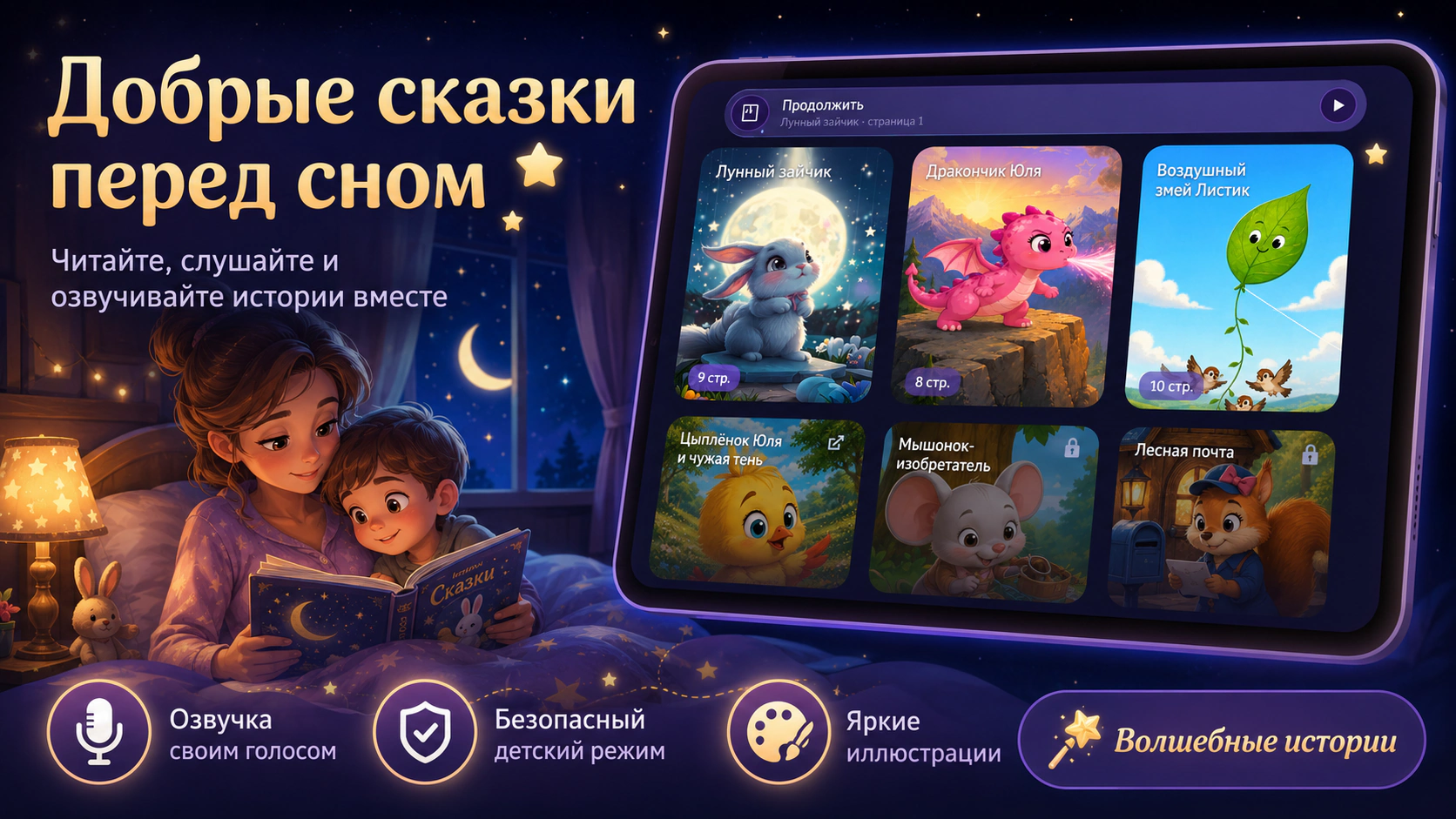
Turn evening reading into a moment your child looks forward to. Gentle stories, colorful illustrations and a loved one’s voice — even when they are away.
Try it on this pageTurn the pages and try listening. In the app, record a real parent’s voice and keep a favorite story as a family narration.
The first three pages of The Moon Bunny with original illustrations and app-style transitions. Narration uses the browser voice; family recordings are made in the app.

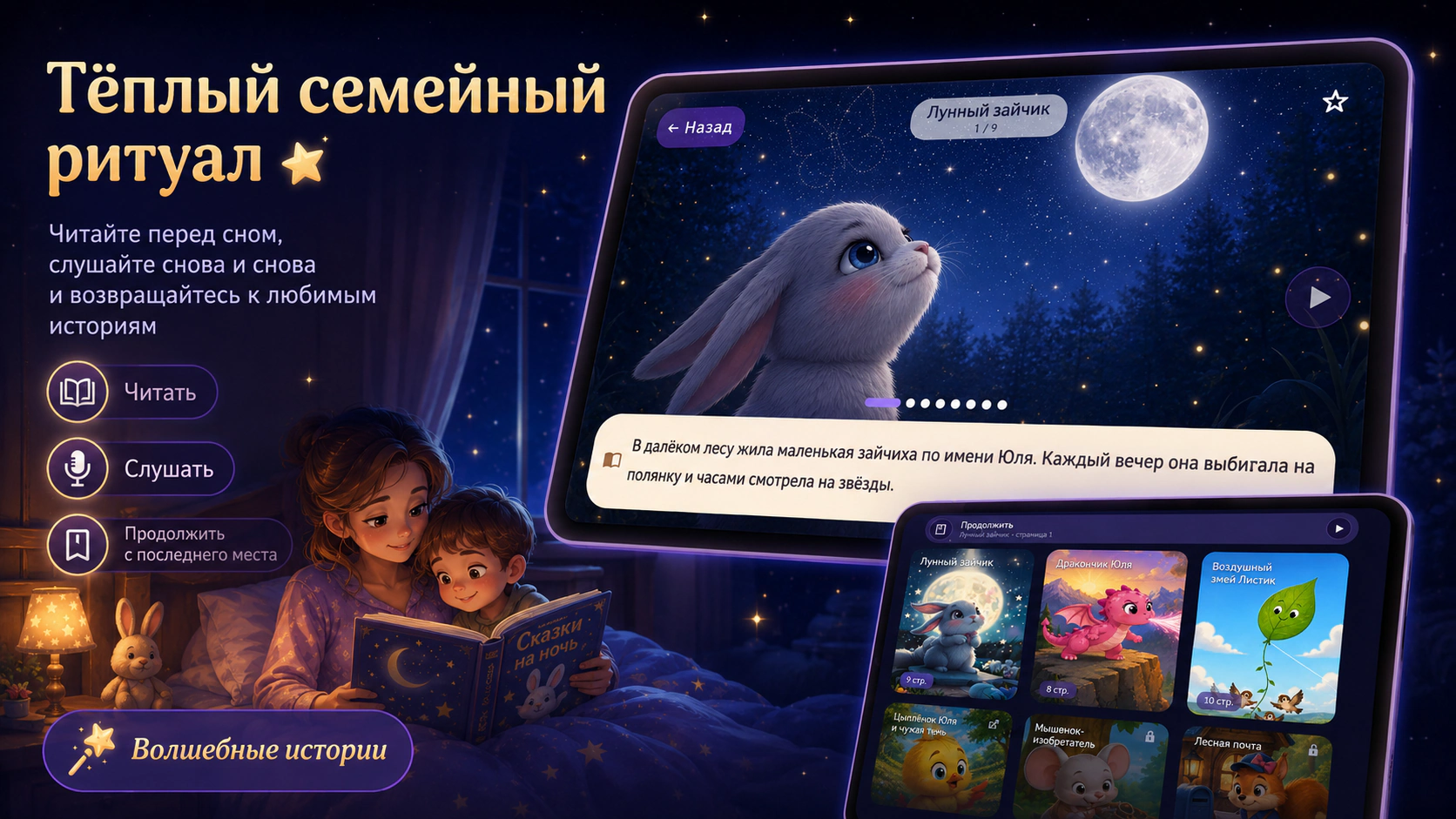
No need to plan an evening from scratch. Open a story, sit close and spend time together.
Illustrated stories invite you to look, talk and imagine together.
Record your own narration. Children can return to their favorite stories in your voice.
Child mode helps little listeners enjoy familiar stories. Parents keep control of access.
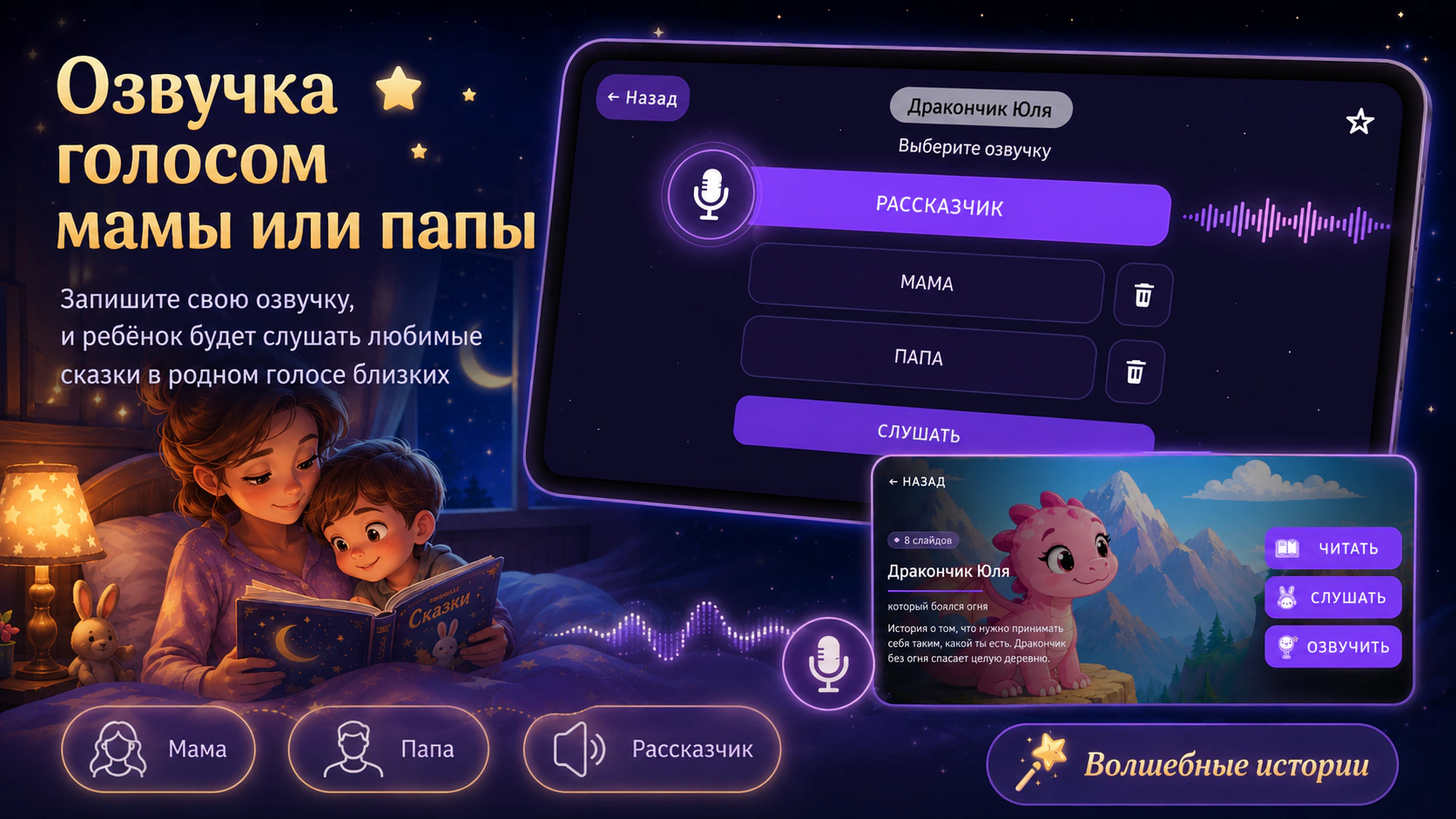
Yes. You can create your own narration, including a mom’s or dad’s voice.
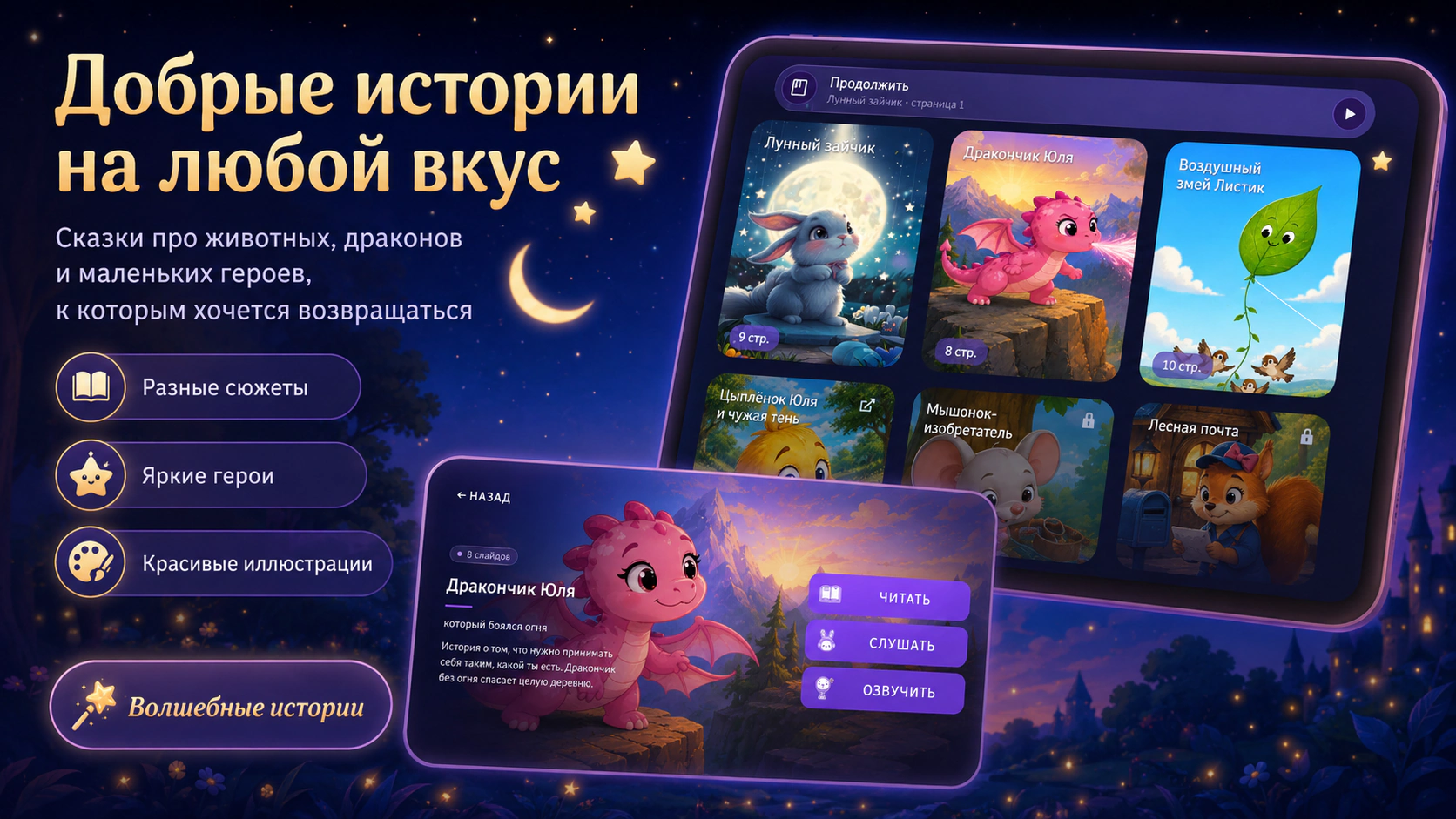
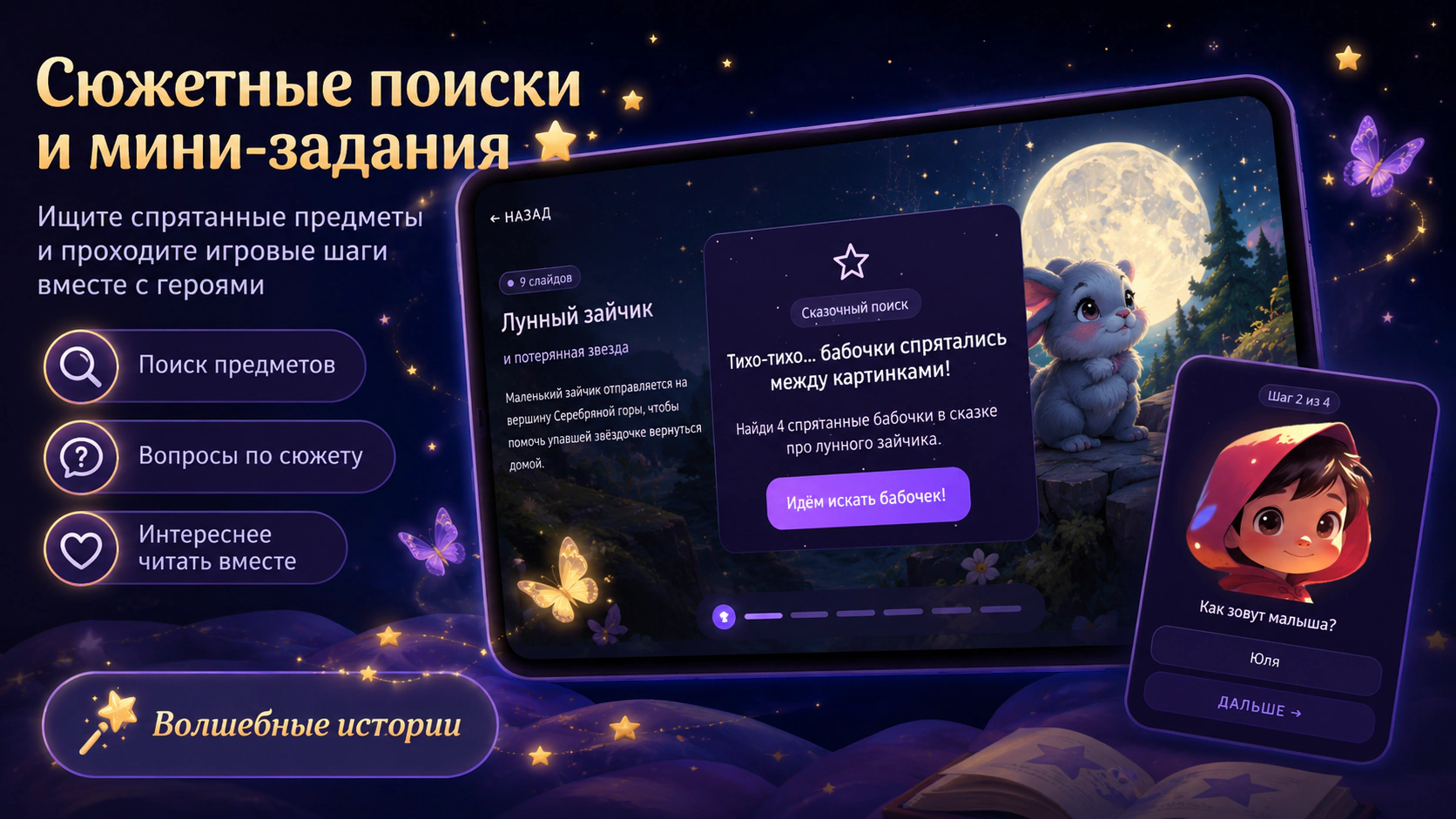
Listen, record family narrations, save favorites, resume reading and find objects in story illustrations.
Yes. The app includes a separate child mode with a protected exit.
Magical Stories · Android