

Know what is running low
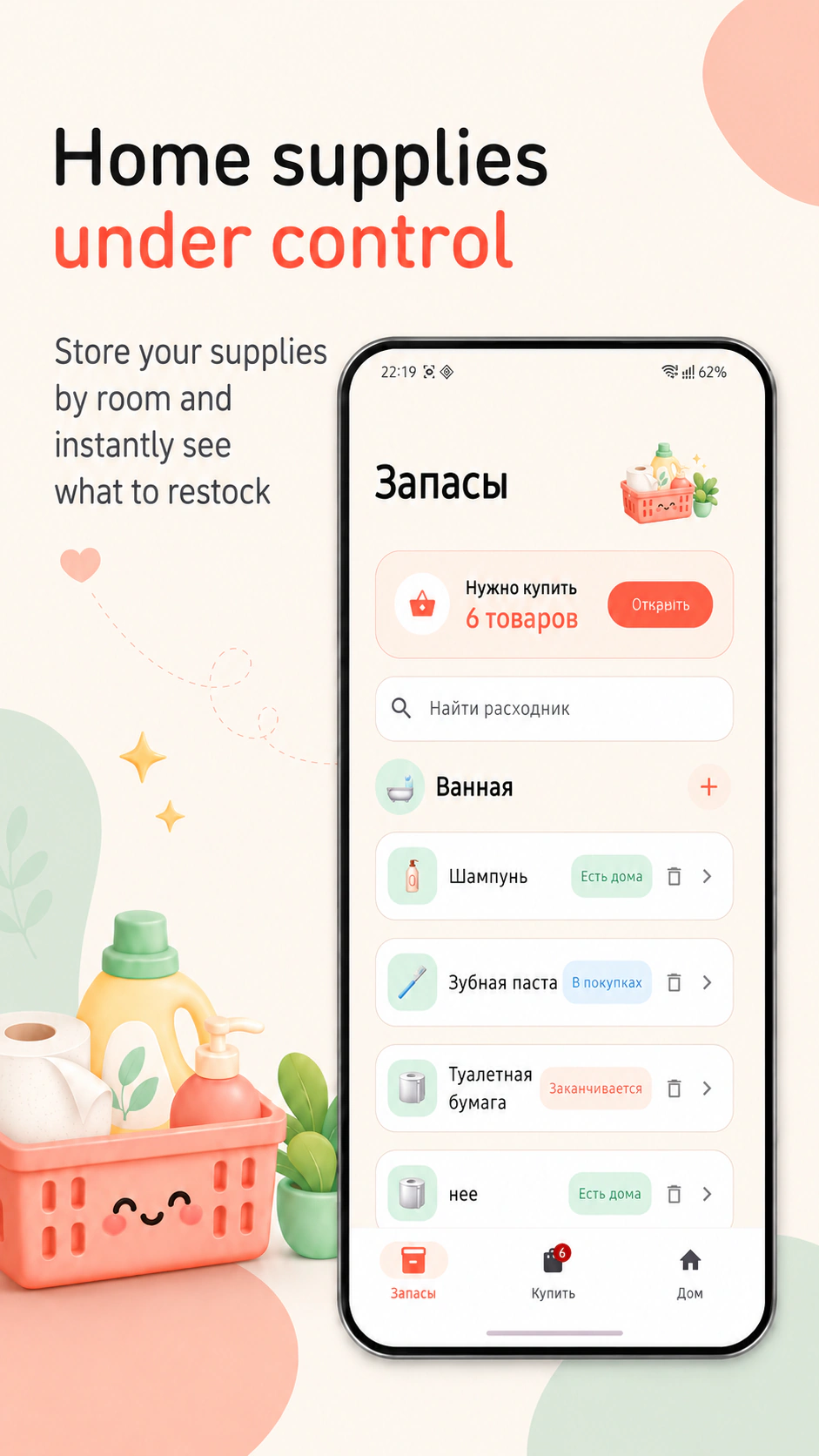
In stock, running low and buy statuses, categories and custom items help keep your supplies organized.
 Raccoon App Labs
Home supplies and shared shopping · Android
Pet food, shampoo, coffee and dozens of little essentials. Mark what you need and let one shared list help whoever is shopping today.
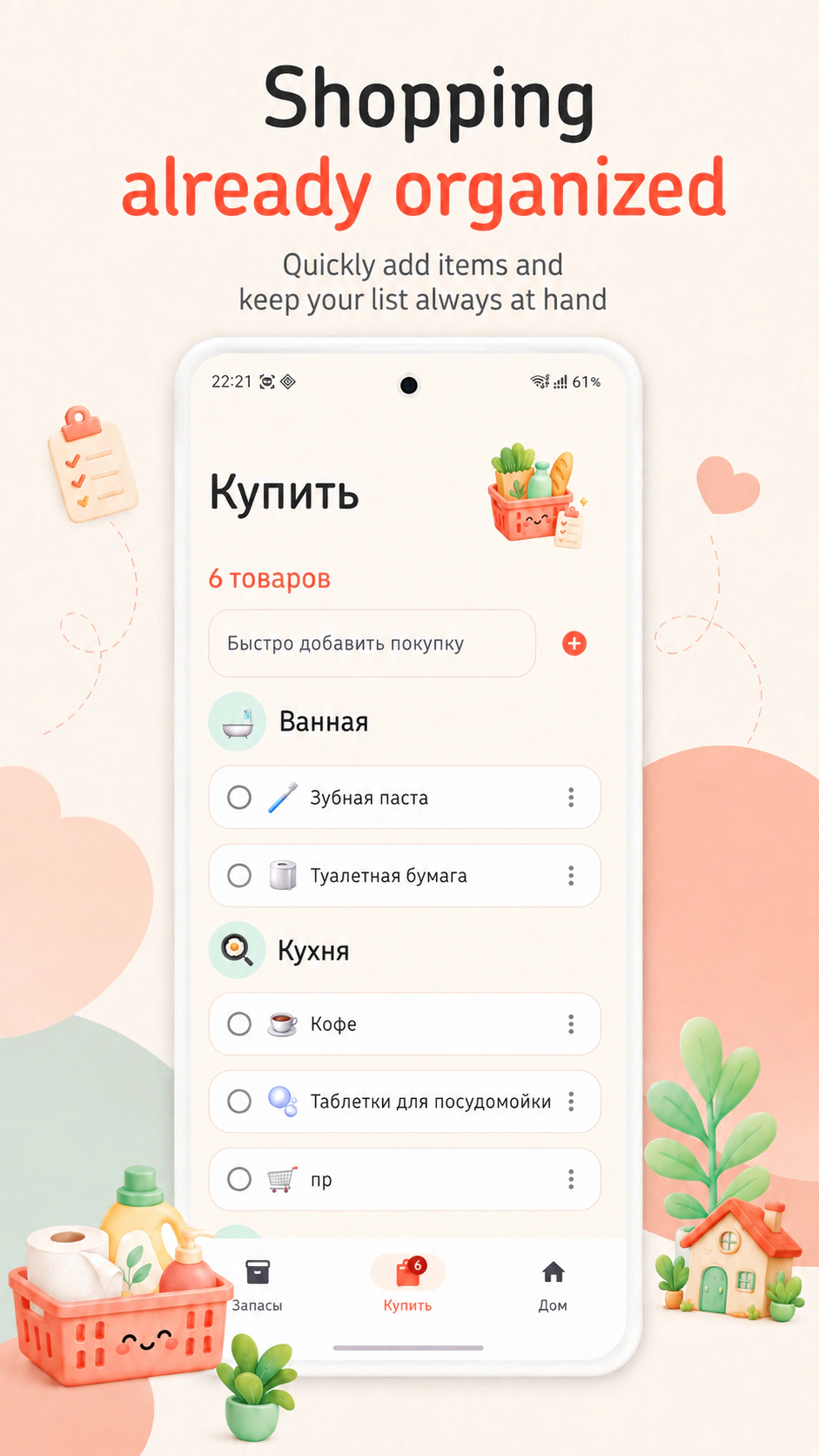
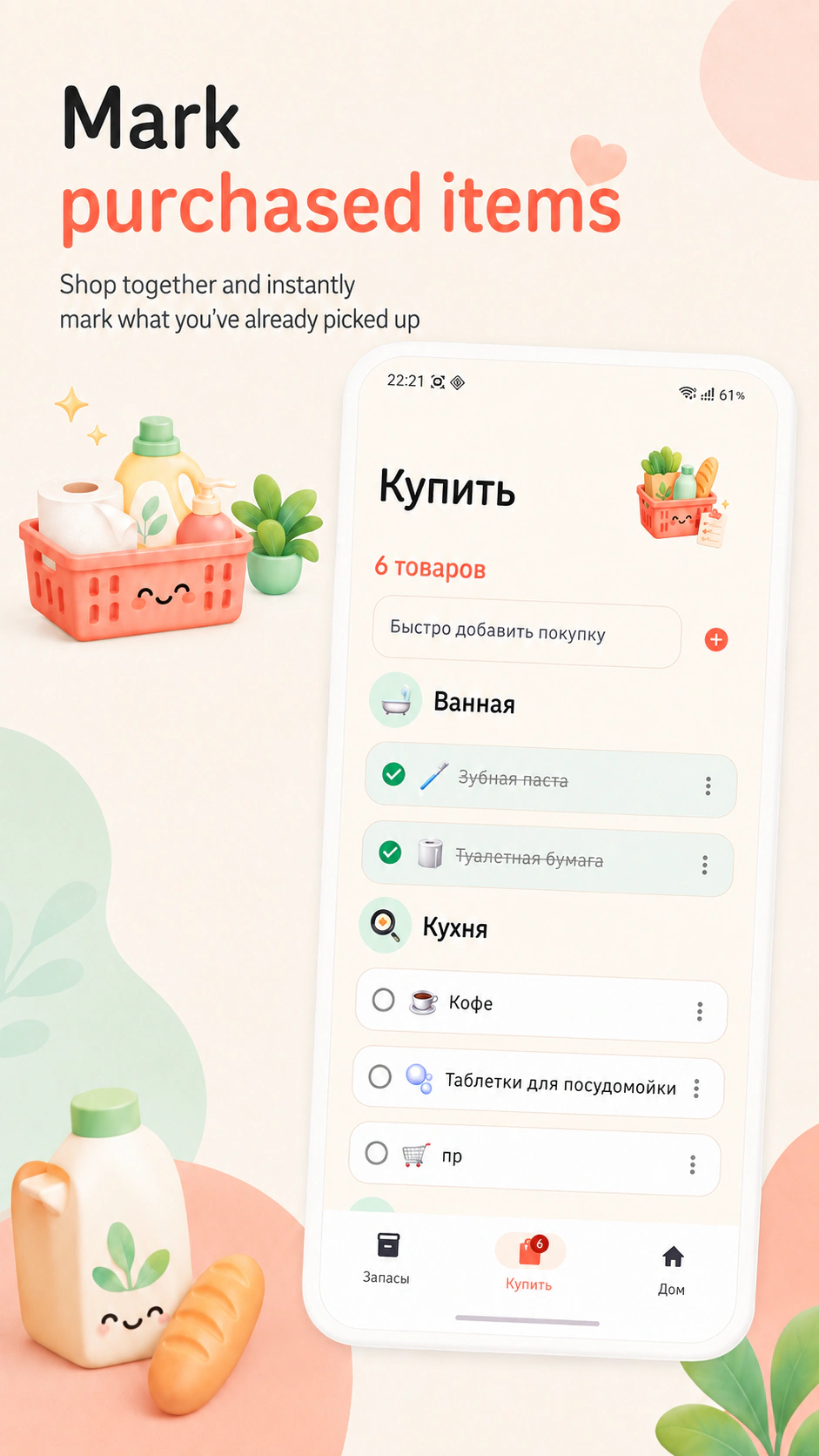
Try it on this pageTap Restock by Coffee to send it straight to Shopping. Check the purchased item and finish your shopping run to return it to Supplies.
An interactive example with sample items. Real shared lists and invitations are available in the app.


When something starts running low, it will appear here automatically.
Tap the shopping icon by Coffee, then open Shopping.
When essentials are in one place, it is easier to ask someone to shop and stop keeping every little item in your head.
In stock, running low and buy statuses, categories and custom items help keep your supplies organized.
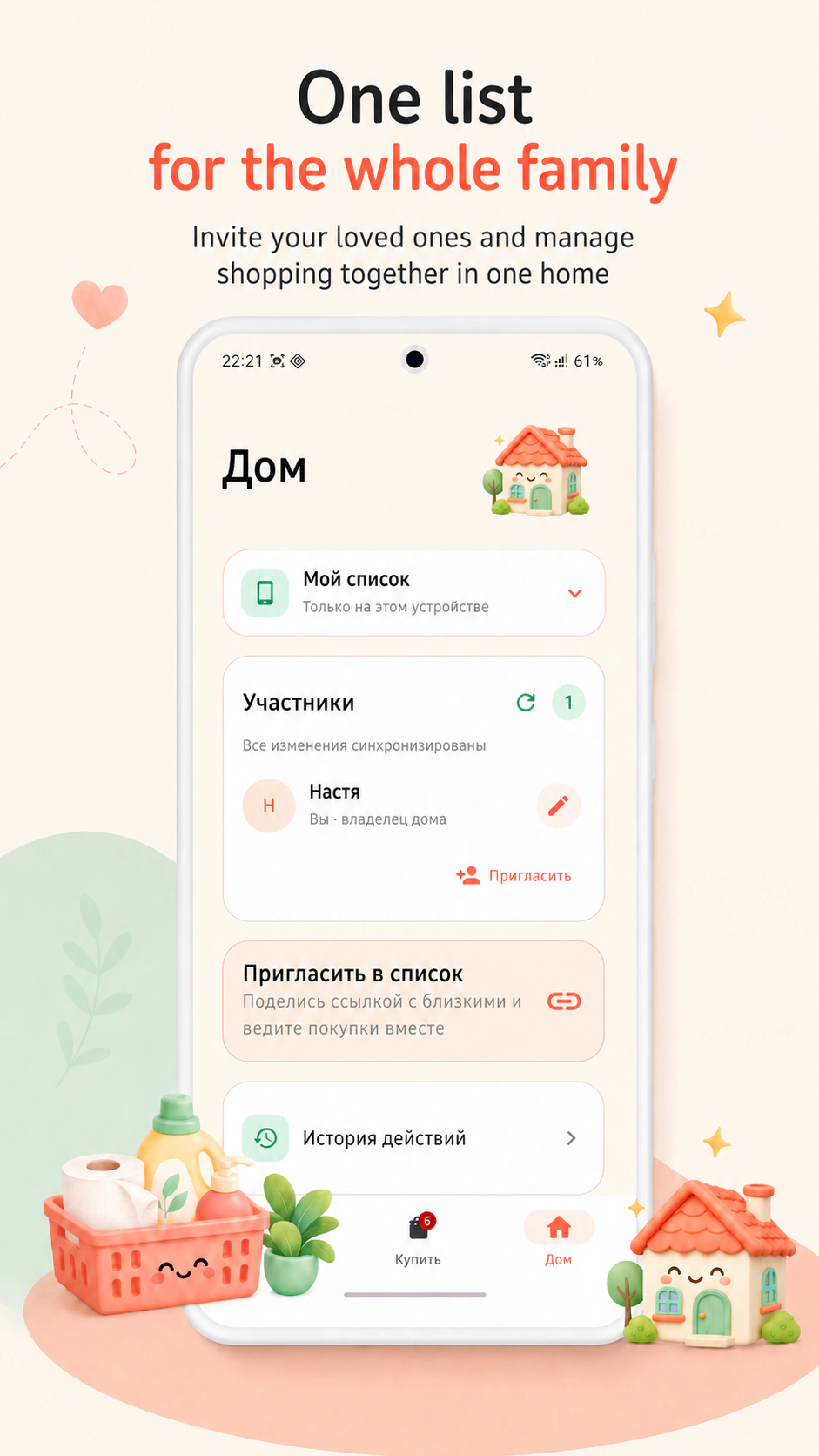
Invite someone with a link. Shared changes sync when participants are connected to the internet.
Mark a purchase and update its supply status. Reminders and history help you keep track.
Yes. A personal list is available locally. Connect shared access when you want to use it together.
Create an invitation link in Home. A new participant sends a join request for the owner to approve.
Saved information remains available locally. Syncing changes between participants requires an internet connection.
Dokupit · Android