

See the whole week
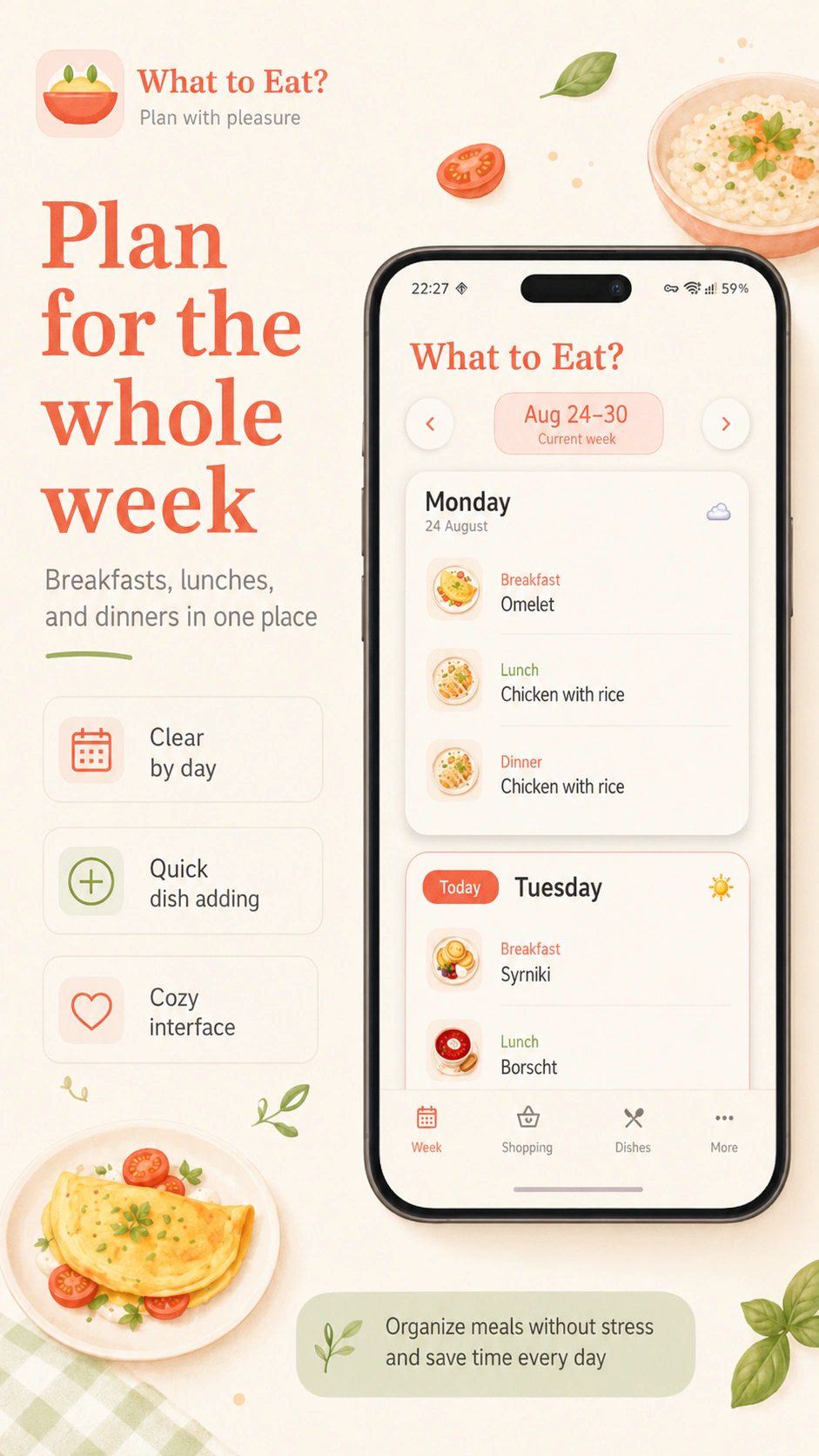
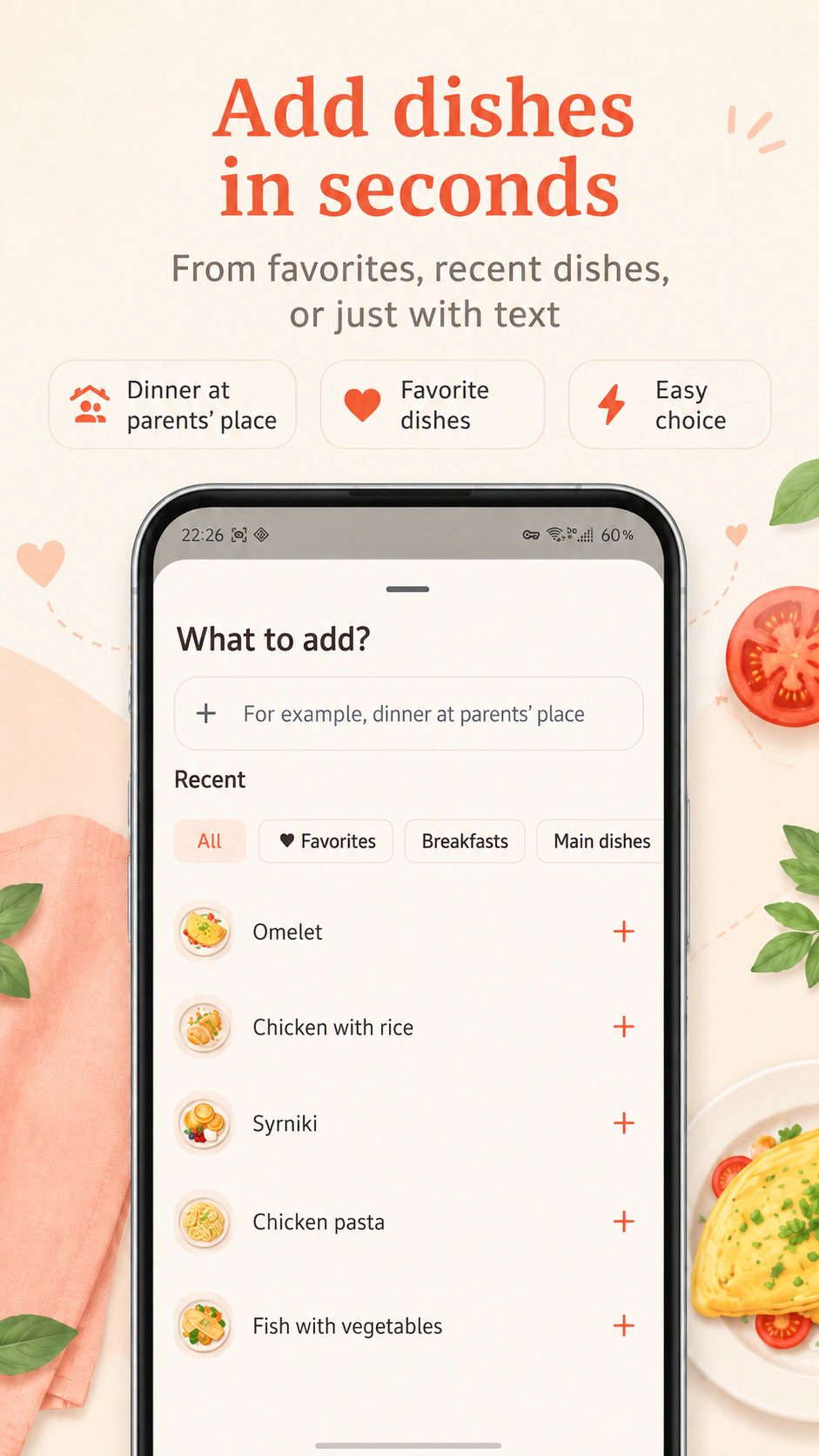
Plan breakfasts, lunches and dinners by day. Choose a saved dish or write a simple meal note.
 Raccoon App Labs
Meals, recipes and shopping · Android
Collect favorite dishes, plan them by day and get a grocery list. Let your evening start with cooking, not a long conversation with the fridge.
Try it on this pageTap breakfast, lunch or dinner to choose a dish and servings in the picker. Repeat it tomorrow or enter your own text, then build weekly groceries.
A weekly plan with three sample dishes. Custom text adds no ingredients. The full catalog and saving are available in the app.
Keep the dishes your household enjoys and stop reinventing the menu every day.
Plan breakfasts, lunches and dinners by day. Choose a saved dish or write a simple meal note.
Your own dish library, search, categories and favorites, with servings and ingredients.
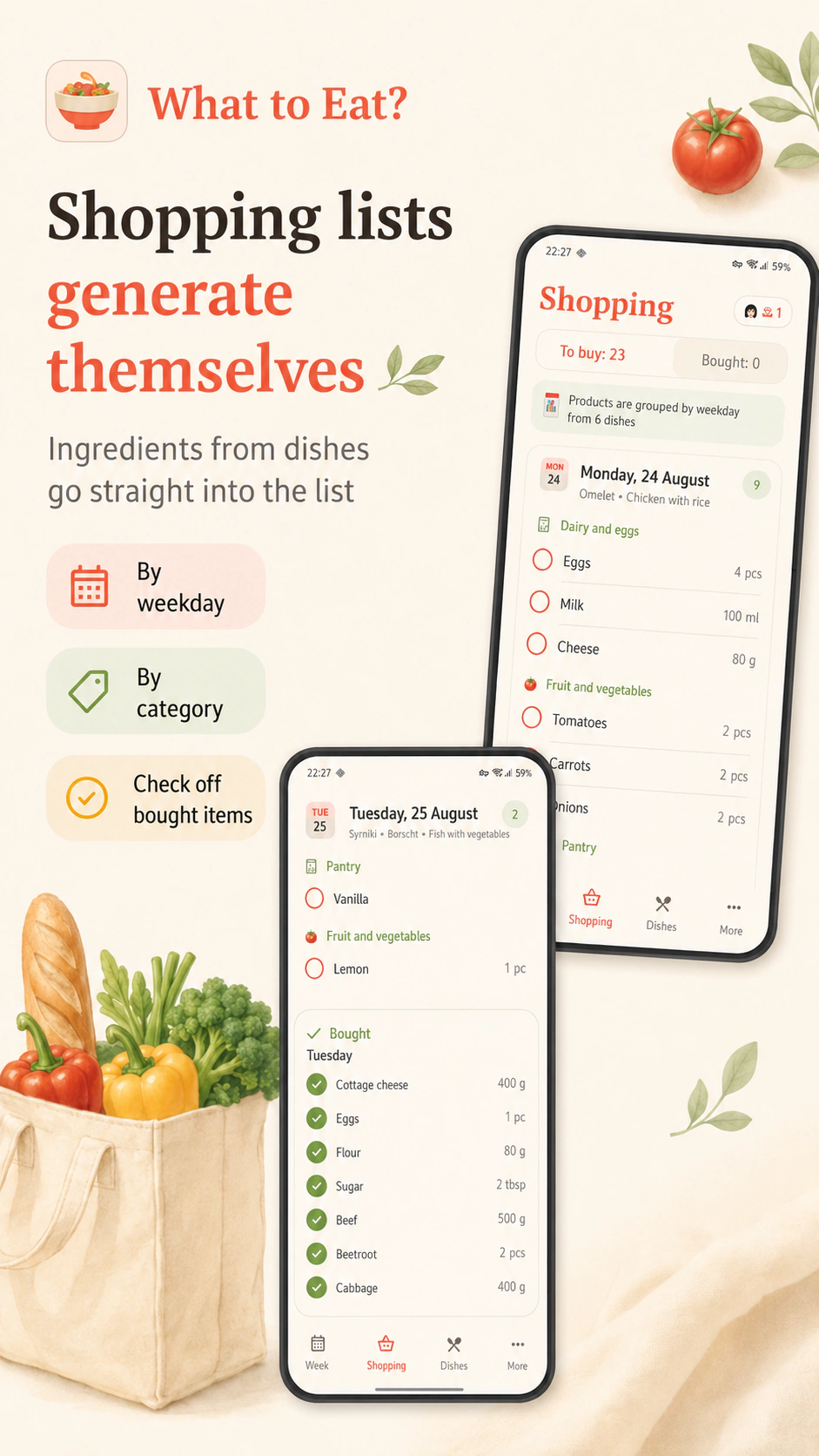
Collect ingredients from the plan, combine matching items and remove what you already have.
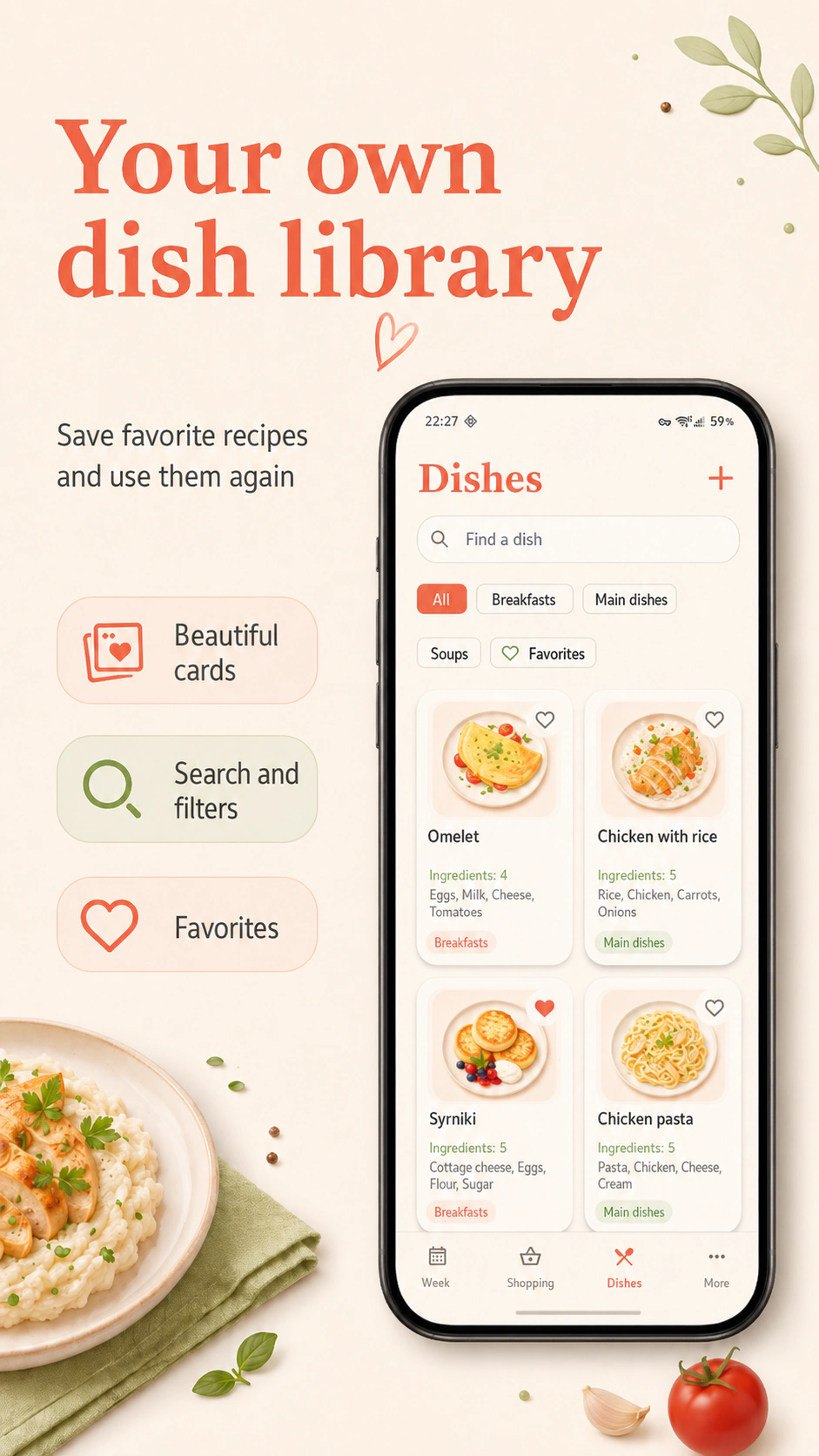
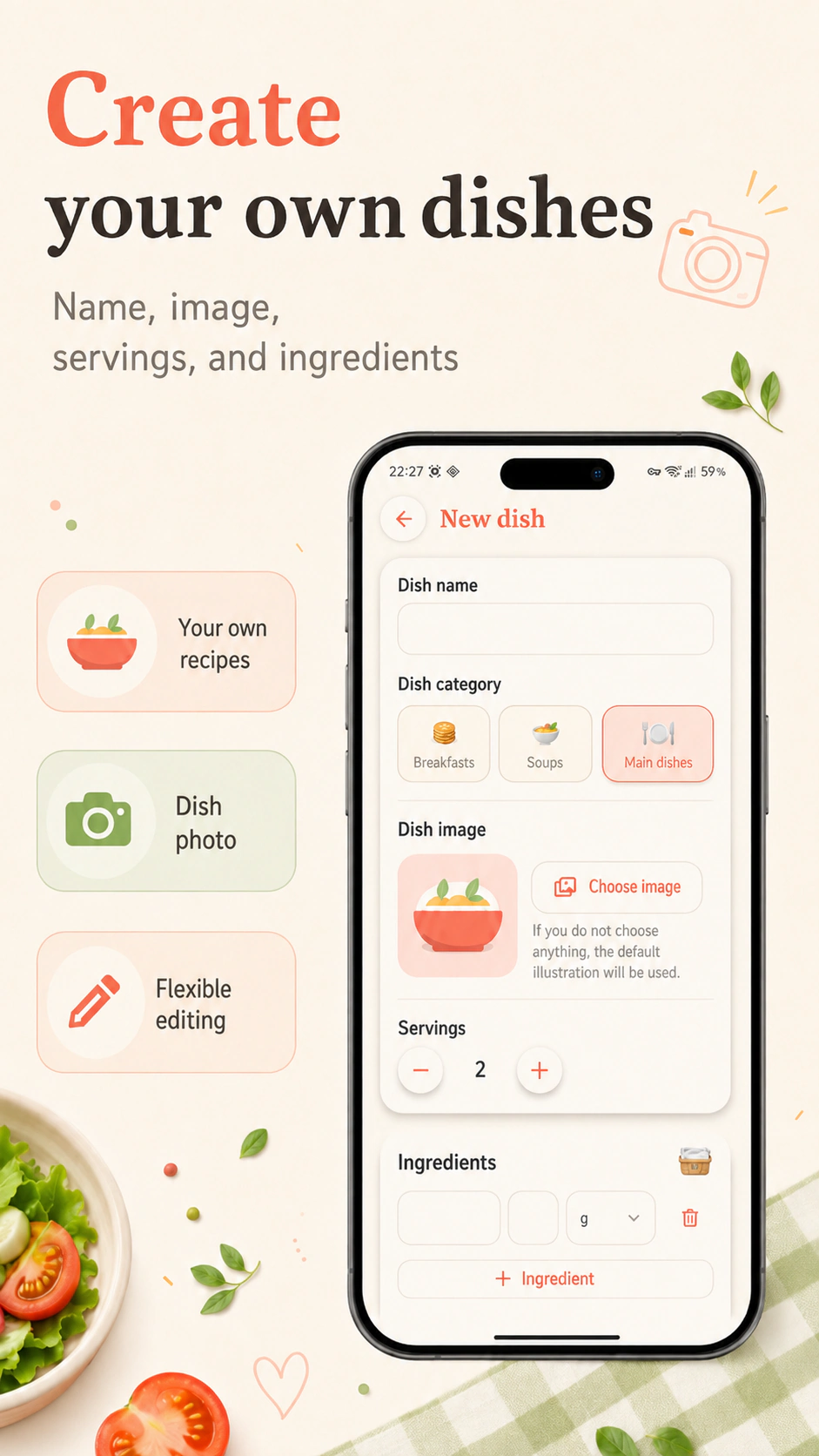
Yes. Create dishes with ingredients and servings and organize them with categories and favorites.
Yes. The app builds a shopping preview from planned dishes and combines matching ingredients.
Yes. Remove those items from the preview before adding groceries to your list.
What Shall We Eat? · Android